

Being a 3D artist isn’t always the easiest of vocations. It’s a role that demands a lot of work, creativity, patience, and time. In fact, you’d be hard pressed to find a 3D artist who hasn’t worked into the wee hours of the morning at least a few times in their career. Added onto all this is the glut of software and tools you can sometimes end up juggling. Whether it’s modelling, rendering, online sharing, or otherwise, any artist worth their salt will have more than one digital shade on their 3D palette. Okay, that’s not our best metaphor, but you see what we’re getting at. In this quick blog, we’ve listed five of the most useful tools that every 3D artist should know about. Hopefully we’ve listed at least a couple you’ll find useful. So, let’s get started…
Adobe Substance Painter
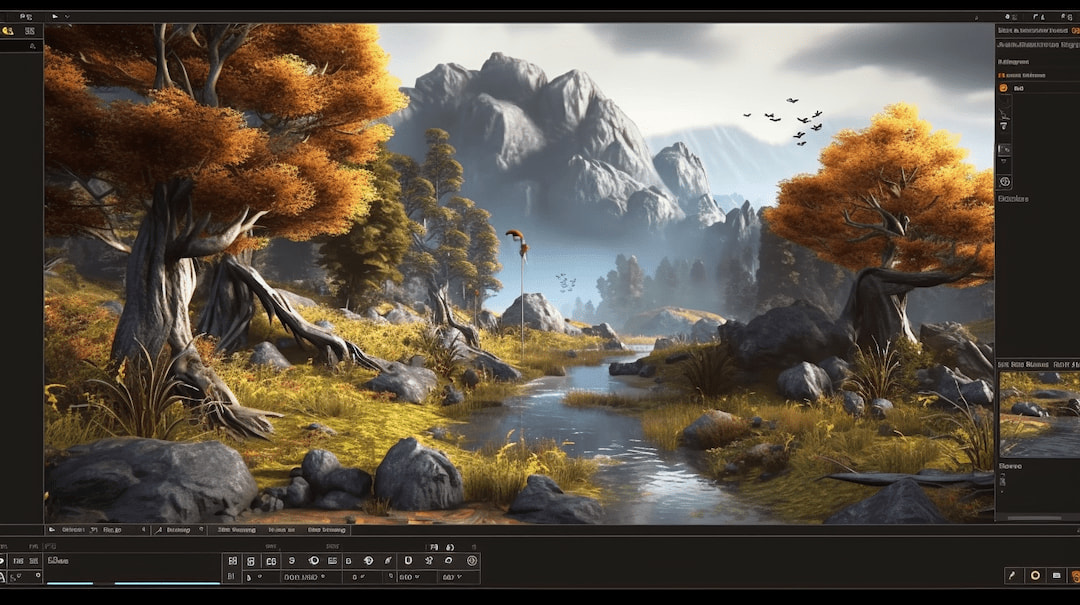
If you’re the type of 3D artist that’s all about those itty-bitty details, then you need Substance Painter in your arsenal. It’s a 3D texture painting software that allows you to apply the highest quality textures to your models. Painter is used ubiquitously in fields such as gaming, film, product design, fashion, and architecture. With Painter, users can apply super realistic effects to models such as a bit of peeling paint, or rust effects on metal. It’s incredibly user-friendly, so you’ll get the hang of it in no time, and it boasts a range of tools to take your models from “meh” to magnificent. Too much? Ok, well, we promise you, it’s very good.
Standard features include a powerful and dynamic paint engine, advanced material creation to reproduce real-life material behaviours, and automatic UVs, meaning no special texturing preparation for imported models. There’s a reason this one is marketed as the “industry standard”.
Adobe Substance Designer
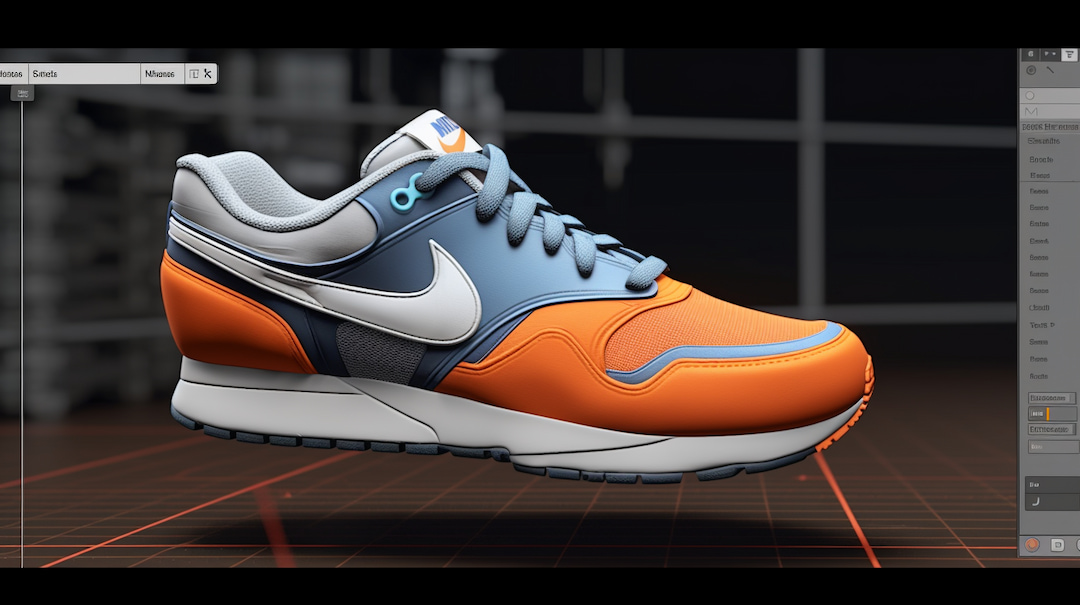
Just like Substance Painter, Adobe Substance Designer is used to create textures and materials for 3D models. Substance Designer differs in that it creates these textures, called materials, whereas Painter applies said materials to the model. Designer is less user-friendly than its less-complex cousin, but once you get the hang of it, you’ll have access to a range of features including HDR lighting creation, MDL support, and an ever-growing library of nodes, filters, and other content. When used as one, it’s not hard to see what makes Substance Designer and Painter industry leaders.
Mosaic After Effects Plugin

Working with After Effects (an animation software for visual effects, animation, and motion picture compositing), the incredibly powerful Mosaic allows 3D artists to create stunning pixel, tiling effects, and much more onto video and images. It also offers a real-time preview window, allowing users to see their effects in action as adjustments are being made. A very dynamic pool for pixelated and mosaic effects, it has multiple applications for 3D artists to play around with. However, for the moment, it’s only available on Mac, but developer Yanobox has said a Windows version could be possible in the future.
Redshift for Houdini
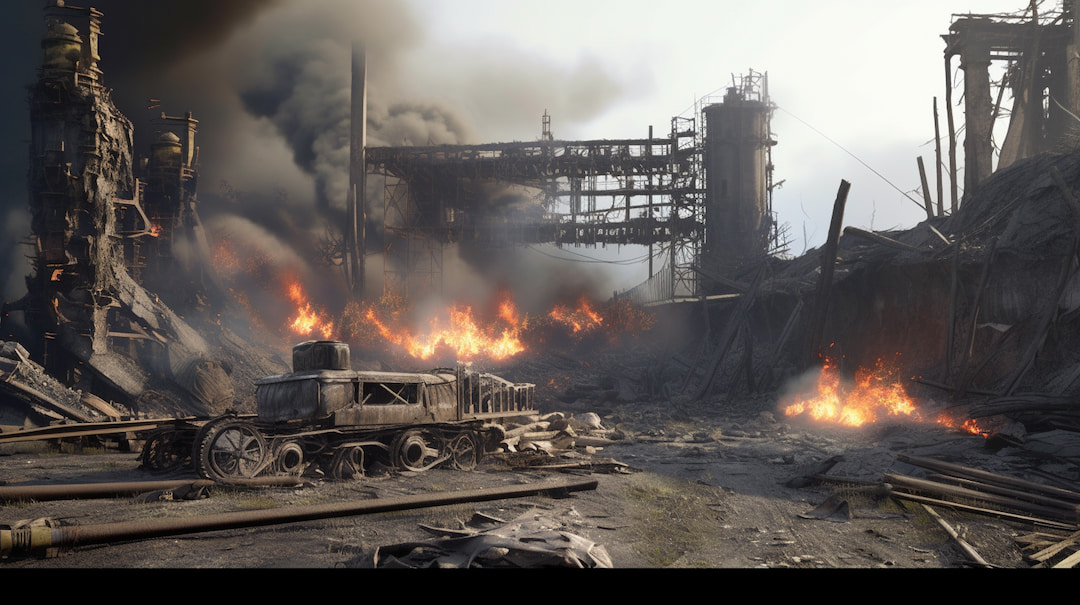
Redshift is a third-party GPU-accelerated renderer that can easily handle even the most complex rendering tasks. Because it’s specifically designed to work with GPUs, Redshift can render scenes much faster than CPU-based renderers. Besides its speed, it has several advanced features that make it a firm favourite of 3D artists. These include subsurface scattering, motion blur, and support for volumetrics, allowing users to create realistic atmospheric effects such as fog and smoke. Plus, it’s super easy to use… and now it’s been launched for Houdini. Hurray!
Working with both software in tandem, artists can create complex visual effects including fluid simulations, realistic hair and fur, and explosions. With Houdini’s workflow capabilities and Redshift’s speed, it’s a great combination for creating strikingly realistic visual effects. Oh, and if you’re already a Redshift user, you can get the Houdini plugin for free. Which reminds us, there’s another free software we wanted to tell you about.
glb.ee
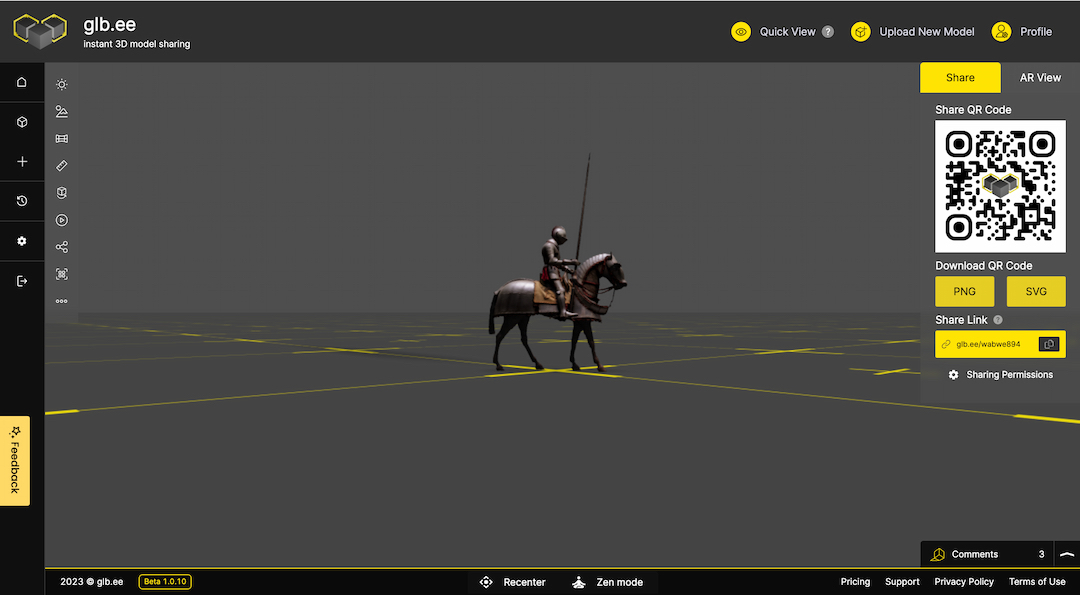
glb.ee is the best way for a 3D artist to share their 3D models online. Supporting a variety of formats such as .GLB, .GLTF, .FBX, .OBJ, and .STL, it’s incredibly quick and easy to use. To share your 3D model, it’s a matter of dragging and dropping your model onto your dashboard. From there, you can create a short link or QR code in a matter of seconds, allowing you to share your work in just a few seconds. It really is that simple.
Signup takes a minute and is completely free of charge. glb.ee comes with several built-in features including short link and QR code creation, model shadows, model analytics, and material, geometry, and texture breakdown. There are also very affordable paid plans, with expanded features such as WebAR viewing, Cubemap options, lighting options, and an increase on model upload and size limits. With glb.ee, collaboration has never been simple.
Sign up and give glb.ee it a try for free today!