

Since its humble beginnings in the late 1960s, 3D scanning has come on leaps and bounds, revolutionising how we create digital models of real-world objects and environments. While it’s easy to consider its use in fields such a architecture, engineering, and gaming, the practical applications are much further reaching. In 2023, fields as varied as medicine, education, and even art history are using 3D scanning technology to disrupt and progress their industries.
If you’re just getting into 3D scanning, you might have already come across some of the various file formats used to save and share models. Two of the most popular formats are glTF and GLB. If at this point you’re scratching your head and thinking, “Huh?”, don’t worry – things are about to get a lot less complicated.
What is a glTF File?
Short for GL Transmission Format, a glTF file is one of the most common 3D model files. It is an open-source format and, as such, you’ll find that it’s supported by most 3D modelling software. glTF supports animation, moving scenes, and static models and is used in AR, VR, 3D ads, gaming, and native web applications. They’re also easily embedded in documents such as Microsoft Word and PowerPoint files. Still with us? Good.
Now for some of the techier jargon. glTF is based on JSON (JavaScript Object Notation), while external files hold some of the data, for example shaders (GLSL) or textures (JPEG or PNG). So, what does this mean? Firstly, interoperability. JSON is very common, so exchanging between different platforms is quick and easy. Secondly, by splitting the data into separate files, it reduces the overall file size, leading to faster transfer and load times against certain other formats. Thirdly, by keeping shaders and textures separate, this can improve overall performance and speed up rendering. Finally, separate storage also makes it easy to edit or replace parts of your model, leaving the rest unchanged.
What is a GLB File?
Created in 2015 and based off the glTF format, GLB (GL Binary) is another ubiquitous 3D file. Put simply, a GLB is a single binary version of a glTF file. As a self-contained, standalone format, it includes all the assets needed to display the model, including textures, materials, lighting, node hierarchy, and animations. With a GLB file, the user requires no additional files or software to load your 3D model. This makes sharing and managing your models very easy because there are no separate files to manage. This also reduces the file size even further, quickening load times.
What’s the Difference Between glTF and GLB?

The main difference between glTF and GLB is that GLB is a binary file format, whilst glTF is based on JSON, a text-based data format. GLB combines all the constituent elements of a 3D model or scene (textures, lighting, etc.) into one single compressed file. Conversely, glTF houses these separately, meaning additional files and dependences will usually be needed to display a model.
So, does this make one better than the other? Well, this depends on your needs. With glTF, you’ll find it much easier to edit individual elements because they’re found in separate files. On the other hand, GLB is simpler to use in general and – because it’s an autonomous file – takes up less memory.
How Can I Share My glTF and GLB Files?
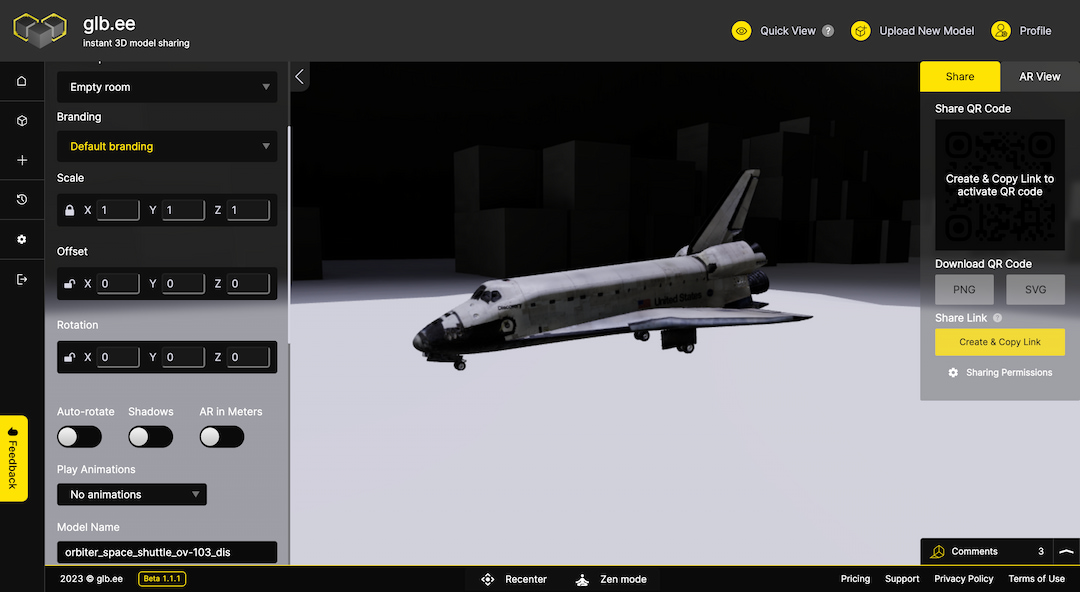
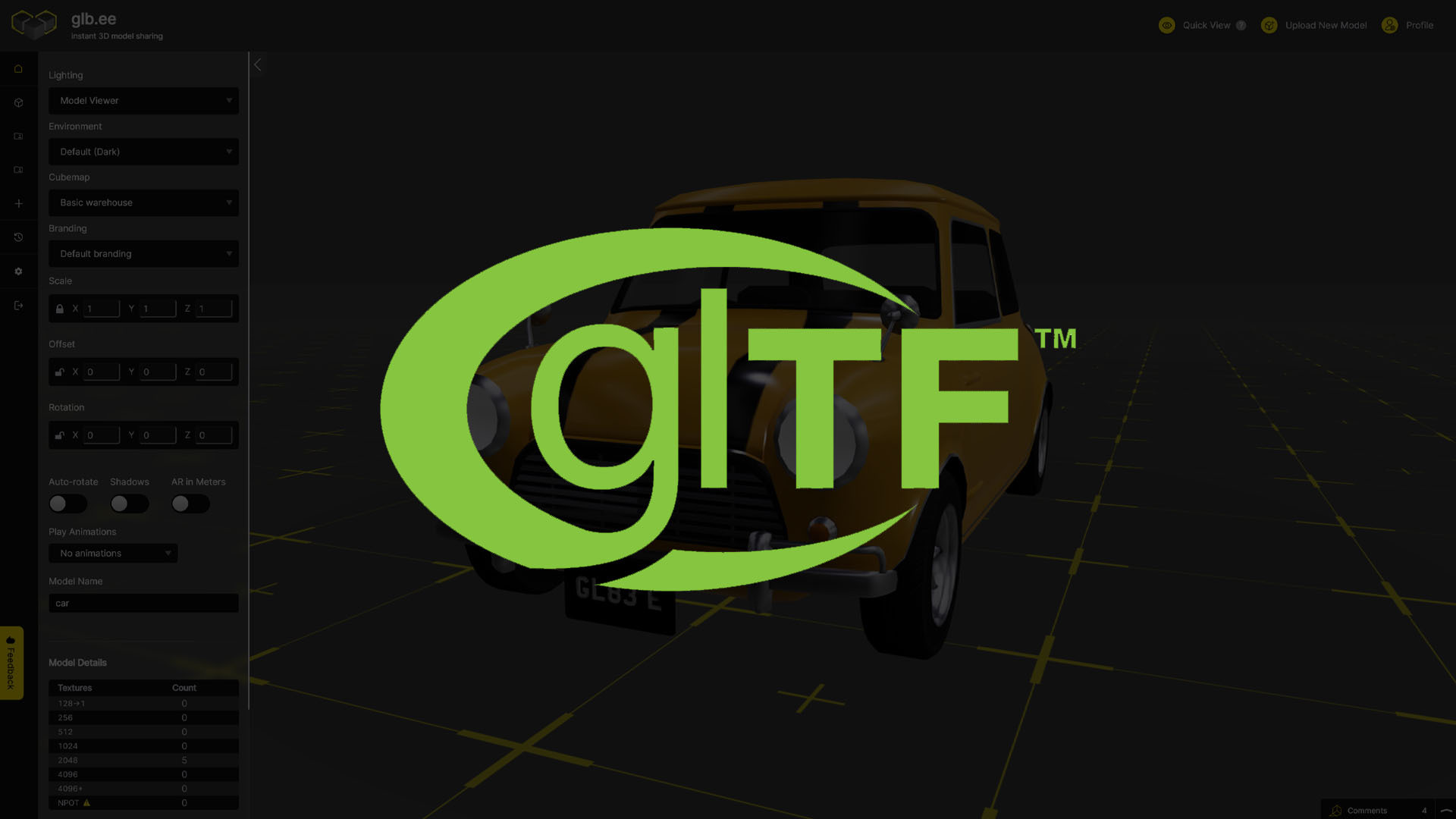
The best way to share glTF and GLB files is via glb.ee. If you haven’t already, you can sign up completely free of charge. It only takes a minute to create your own account, and it’s incredibly easy to use. When you’ve got your file, it’s just a matter of a click and a drag onto your glb.ee dashboard. Once uploaded, you can instantly view your file and share it with whomever you like. It really is that simple.
Why Use glb.ee?
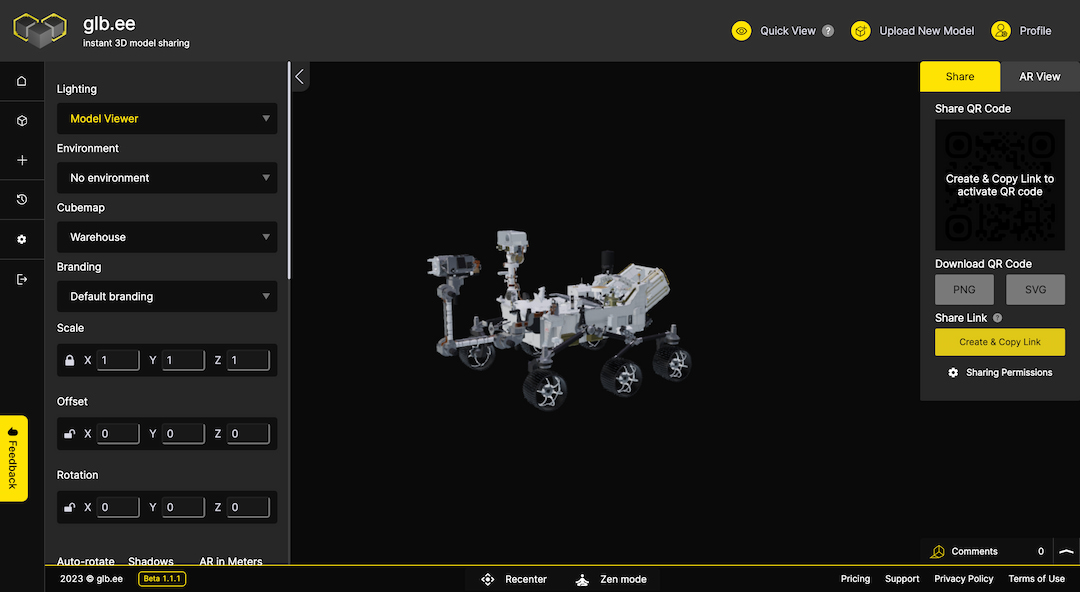
Well, first off, it’s free. We realise we’ve already mentioned this, but we thought we’d say it again, just in case you missed it. But there’s more to glb.ee than that. Once you’ve created your model, you’ll want to share it with your colleagues, collaborators, clients, or even your friends. With short link and QR code creation, this can be done in a few seconds.
Want to view your models in AR (augmented reality)? You can do that too! Plus, you’re able to put your own personal flavour on your work with custom branding. And with access to model analytics, various lighting, environment, and cube map options, you’ll be wondering why you didn’t sign up sooner.
To try glb.ee for free today click here