

This summer brings a major boost to how you work in glbee. Navigation is faster, managing your 3D models is better, and choosing a pricing plan is easier for teams and solo creators alike. Here’s what’s new this month.
🏷️ New and more relevant pricing
We simplified glbee’s pricing into 4 tiers that mirror the types of customers that frequently access glbee:
- Free – For users who are trying and testing out the platform.
- Pro – For the solo or freelance 3D artist.
- Team – For studios with additional stakeholders beyond 3D artists.
- Enterprise – For large companies.
The Pro tier merges glbee’s previous subscription tiers. It offers a cap of 10 models at a max size each of 50M. Excitingly, it also offers practically all premium features such as commenting, augmented reality viewing, and embedding.
The Team tier is perhaps most intriguing because it offers novel features. When purchasing a team workspace, it includes 5 seats at half the cost of separate subscriptions. Additionally, team workspaces now offer custom environments and branding (previously only available through enterprise).
If you’re an existing subscriber – don’t worry! Your subscription is not impacted. We encourage you to check out our pricing though and subscribe to one of these newer tiers.
🎨 Redesigned aesthetic and navigation
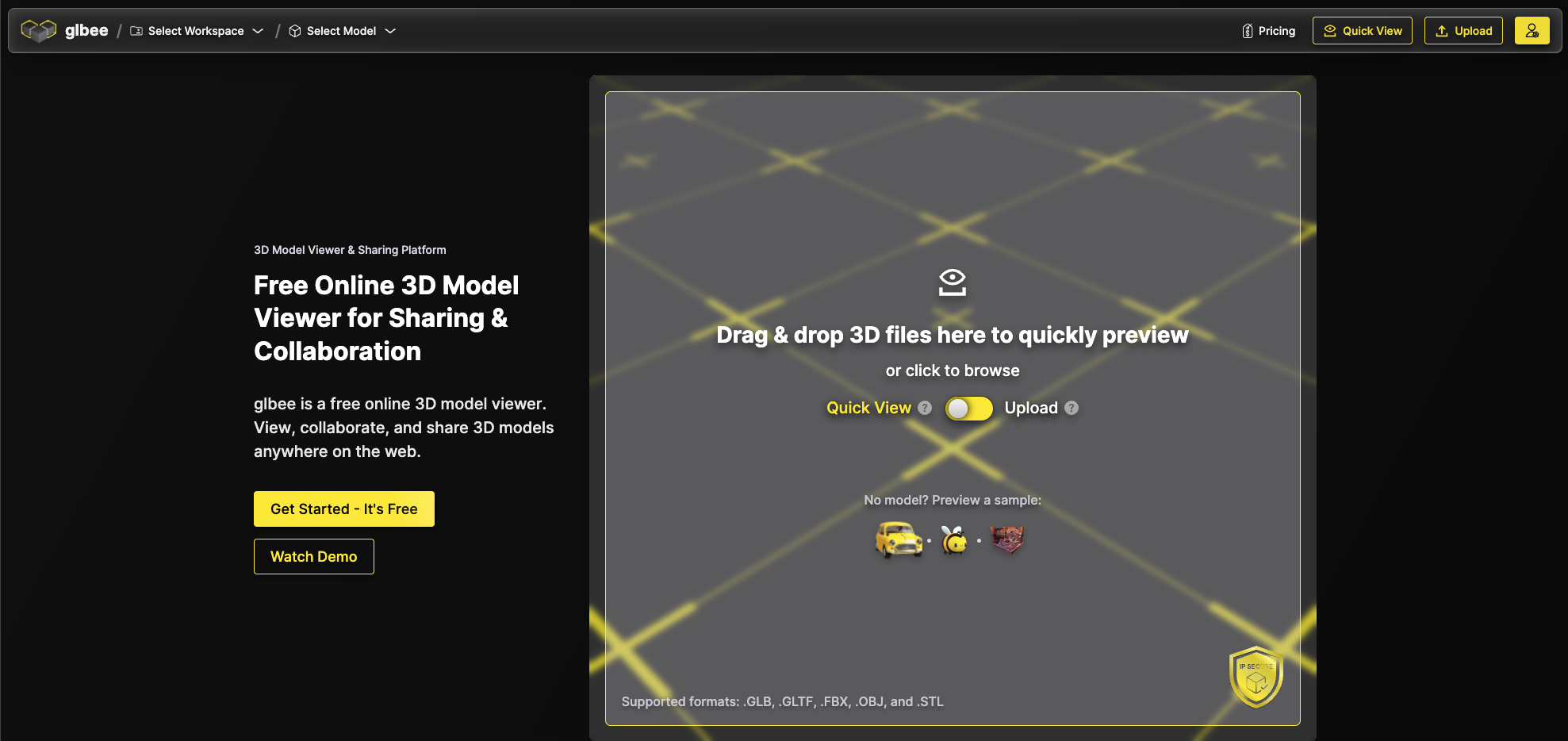
We’ve made glbee much quicker to navigate while also improving the aesthetic so that navigation is even less intrusive:
- Unified header navigation – All menus are now in one place for quicker access.
- Path-style workspace display – Move between workspaces and models faster with a clear breadcrumb view.
- Glass background header – Sleek, floating design that improves immersion in the 3D viewer.
- Updated landing page – Highlights glbee’s core features in a more engaging way.
🗂 Better workspace and 3D model management
We added a Kanban board to workspaces to help you visually manage model statuses, making iteration and team communication faster and more transparent.
- New Kanban Layout – View models in a Kanban board and track their progress visually. Assign custom statuses to models to help communicate their iteration.
- New Workspaces Page – View all workspaces in a single view.
- Star Workspaces – Star/favorite/bookmark your workspaces for ready access from the new breadcrumbs in the header.
Try the Updates Today
These updates are live now. Log in, try the new navigation, organize your models with Kanban, and explore which pricing tier fits your workflow best.
We’re building glbee with your feedback, so keep it coming.